Auto Animator
Stop keyframing the same animations over and over. Auto Animator handles IN and OUT transitions in one click, so you can focus on the creative work that actually matters.
Choose your workflow
Expression driven or keyframe based. Pick the mode that fits your workflow and switch between them seamlessly at any time.
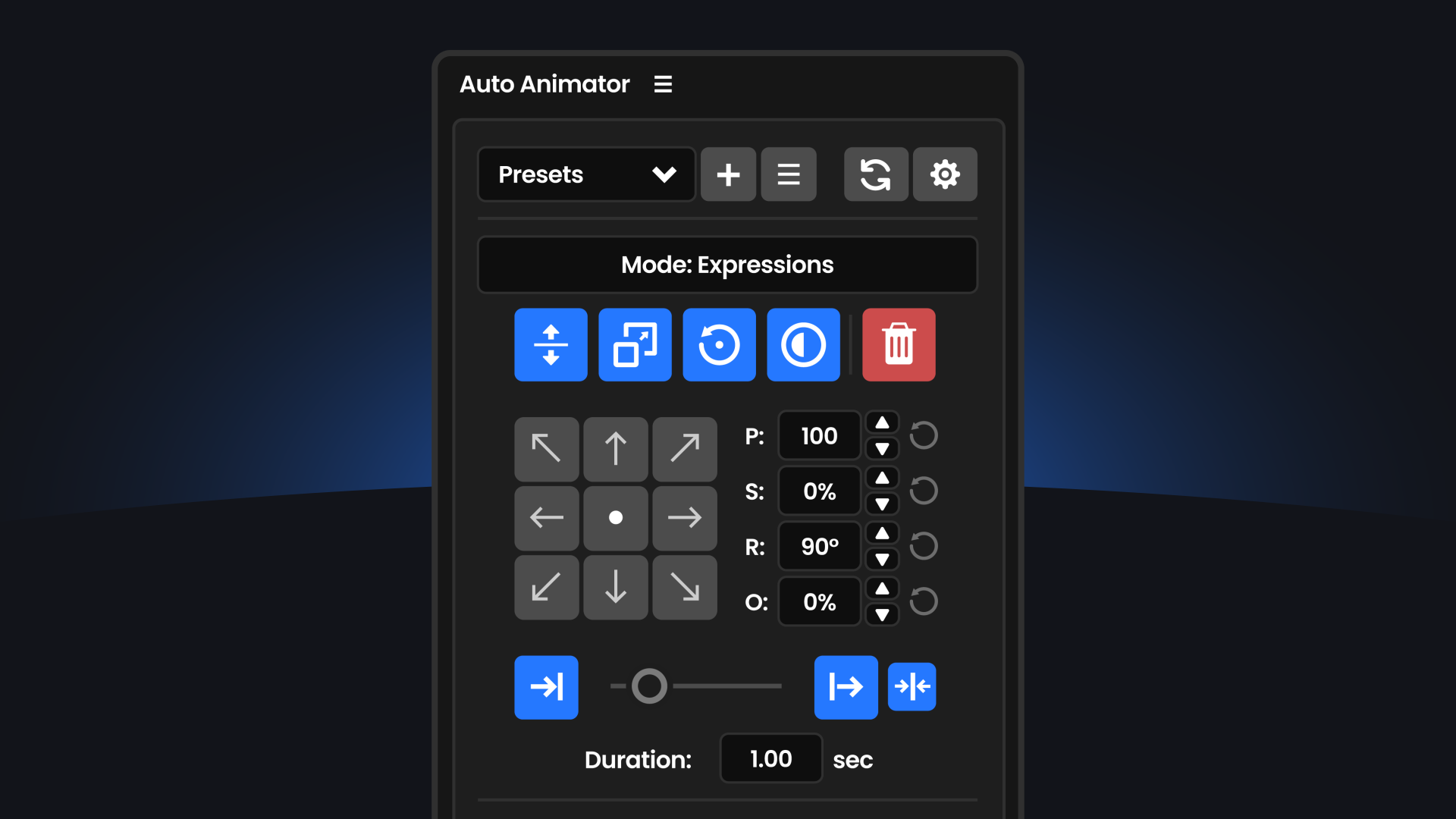
Expression Mode
Non-destructive animations using expressions. Animations are driven by your layer's in and out points, so when you move a layer on the timeline the animation follows automatically. Every parameter stays live and editable through effect controls.
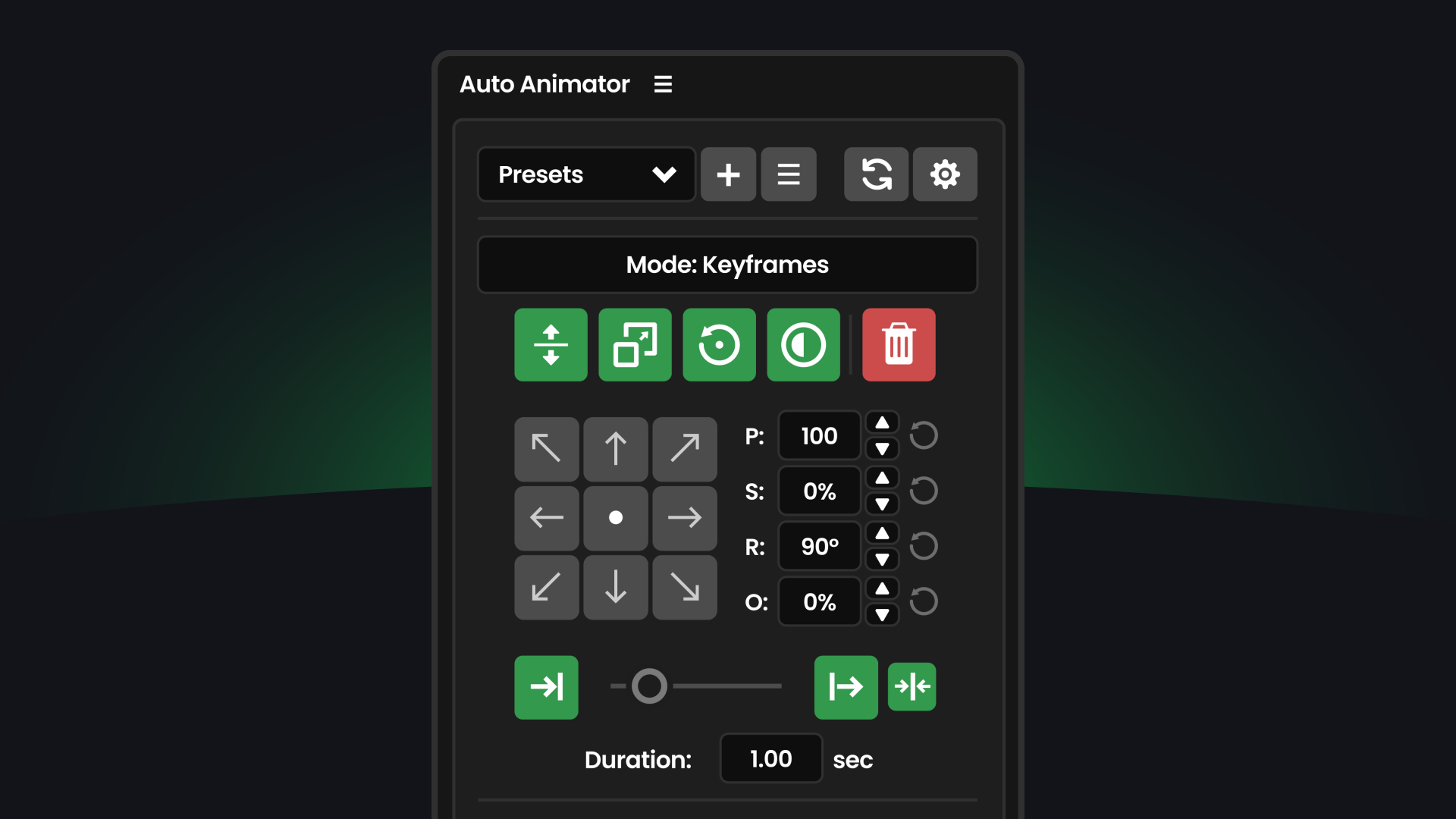
Keyframe Mode
Traditional keyframe-based animation for when you need full control. Bake your animations into real keyframes that you can manually adjust, copy to other projects, or hand off to other animators. Works exactly how After Effects expects.
One-click animation
Select your mode, toggle the parameters you want, and click a direction to instantly animate. Don't like it? Click another. Experiment in seconds, not minutes.
Seamless conversion
Switch between Expression Mode and Keyframe Mode whenever you want. Changed your mind? Convert your animations with one click. You're never locked into the workflow you started with.
Full control
Toggle IN and OUT on or off, choose your curves, set durations, and override OUT properties independently. Stagger with Sequence and copy settings between layers with ease.
Powerful Null tools
Create and link Null controllers to your animated layers with a single click. Move, scale, and rotate entire groups without breaking your animation setup. Opacity is automatically linked, giving you control over all layers from one place.
Animate multiple layers
Select your layers, pick a direction, and animate them all at once. Then stagger the timing with one click.
Everything you need
A comprehensive toolkit for faster animation.
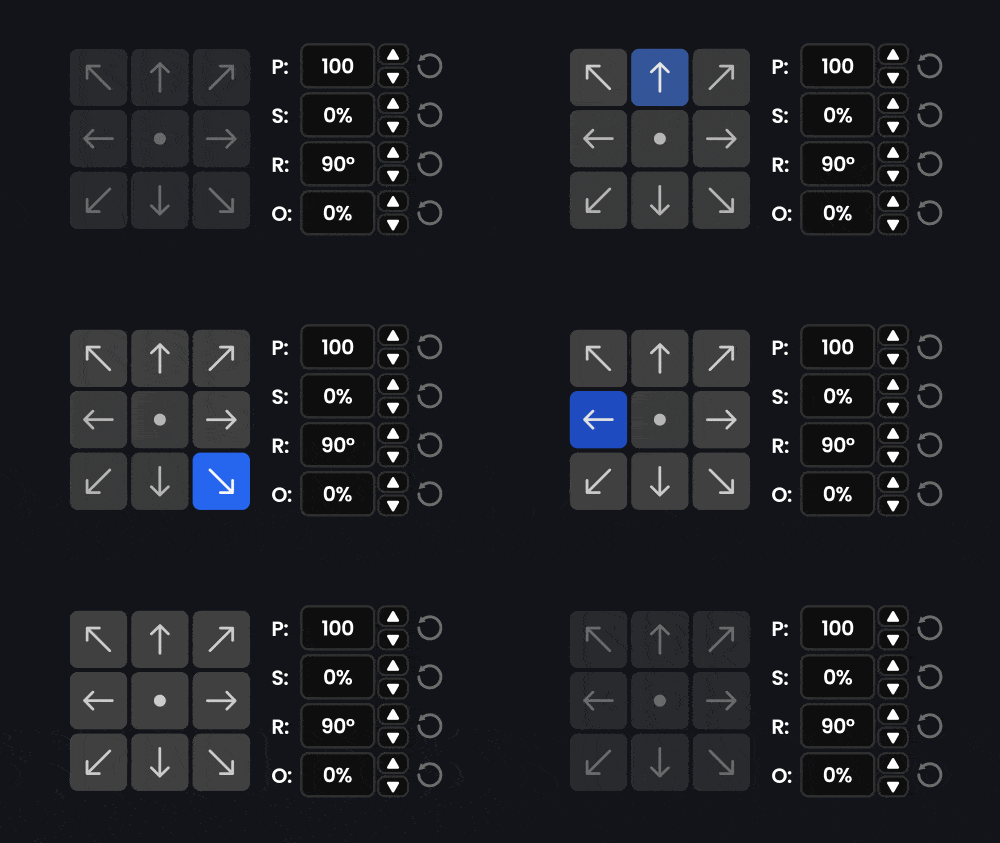
8 Animation Directions
Animate from any direction. Up, down, left, right, diagonals, or center. Visual direction pad makes it instant.
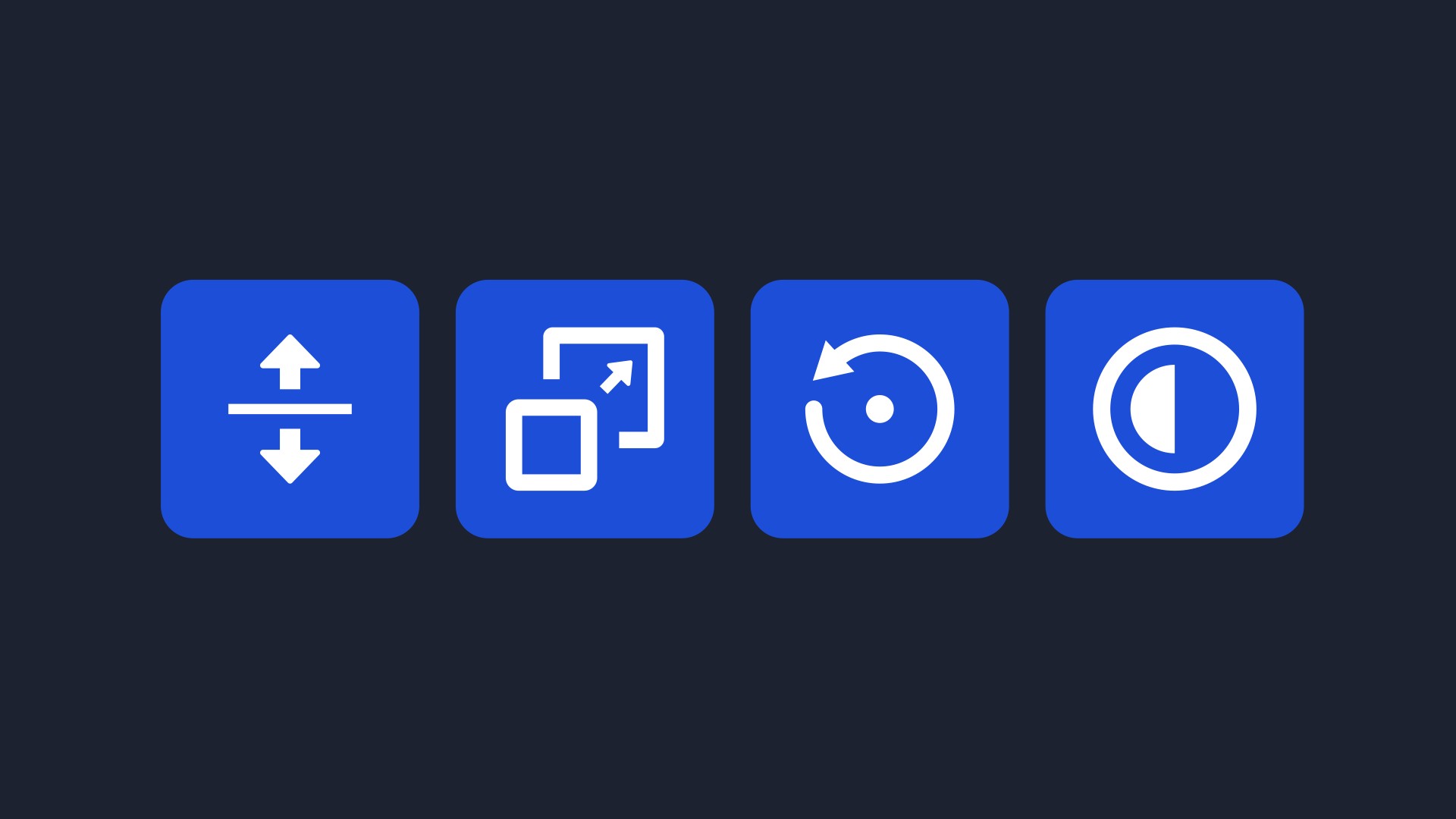
Position, Scale, Rotation, Opacity
Toggle any combination of properties for your IN and OUT transitions.
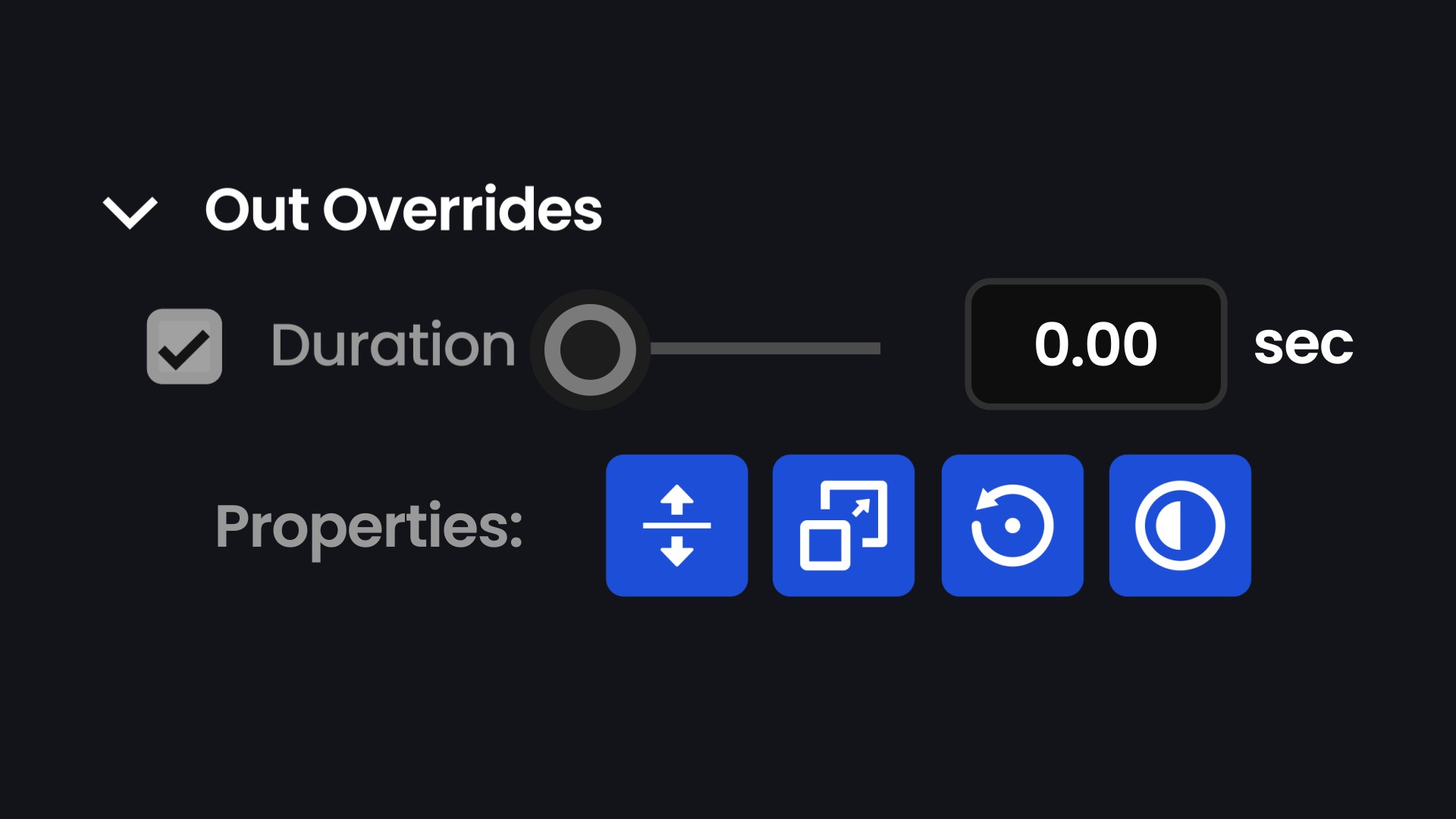
OUT Overrides
Fine-tune exit animations independently. Different duration, different easing, different properties.
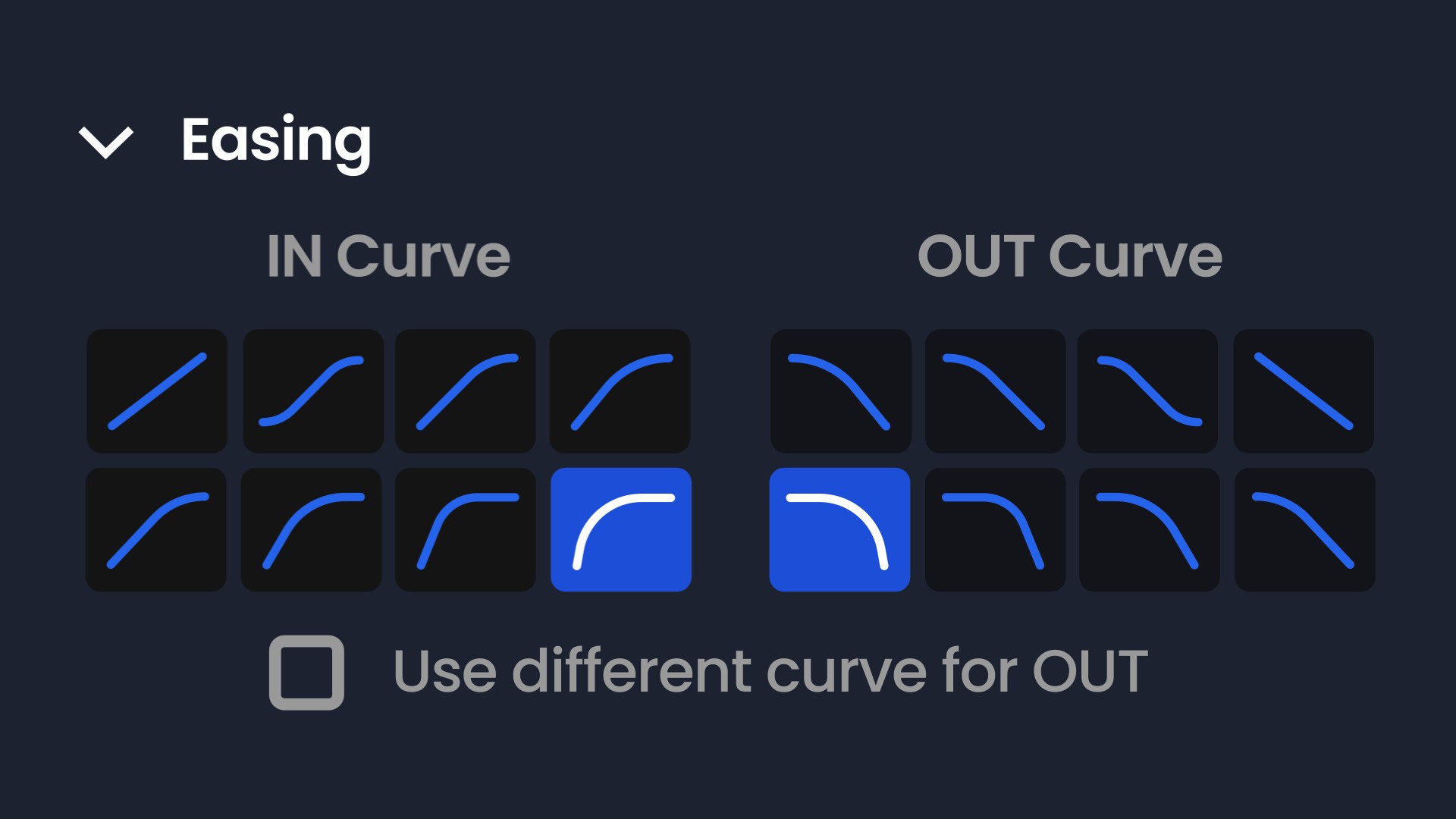
Easing Curves
8 curves for IN, 8 for OUT. Linear, Ease, Sine, Quad, Cubic, Quint, Expo. All the classics.
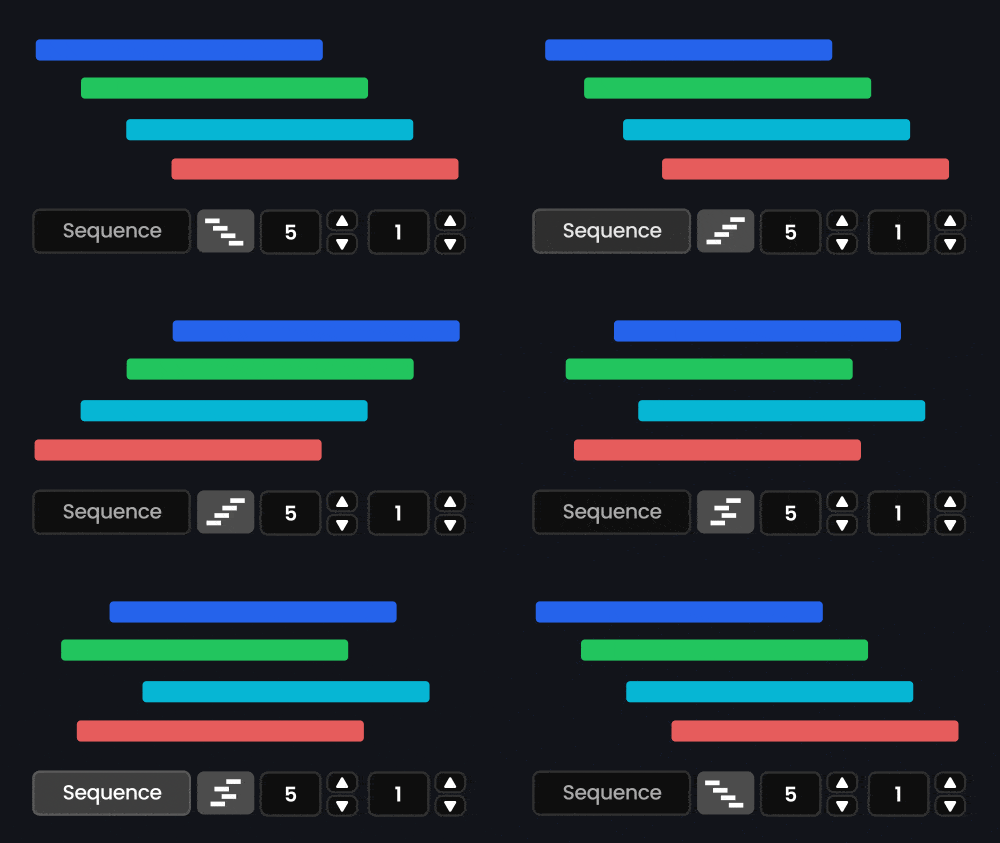
Sequence & Stagger
Offset multiple layers automatically. Top to bottom, bottom to top, or random. Set your frame delay and go.
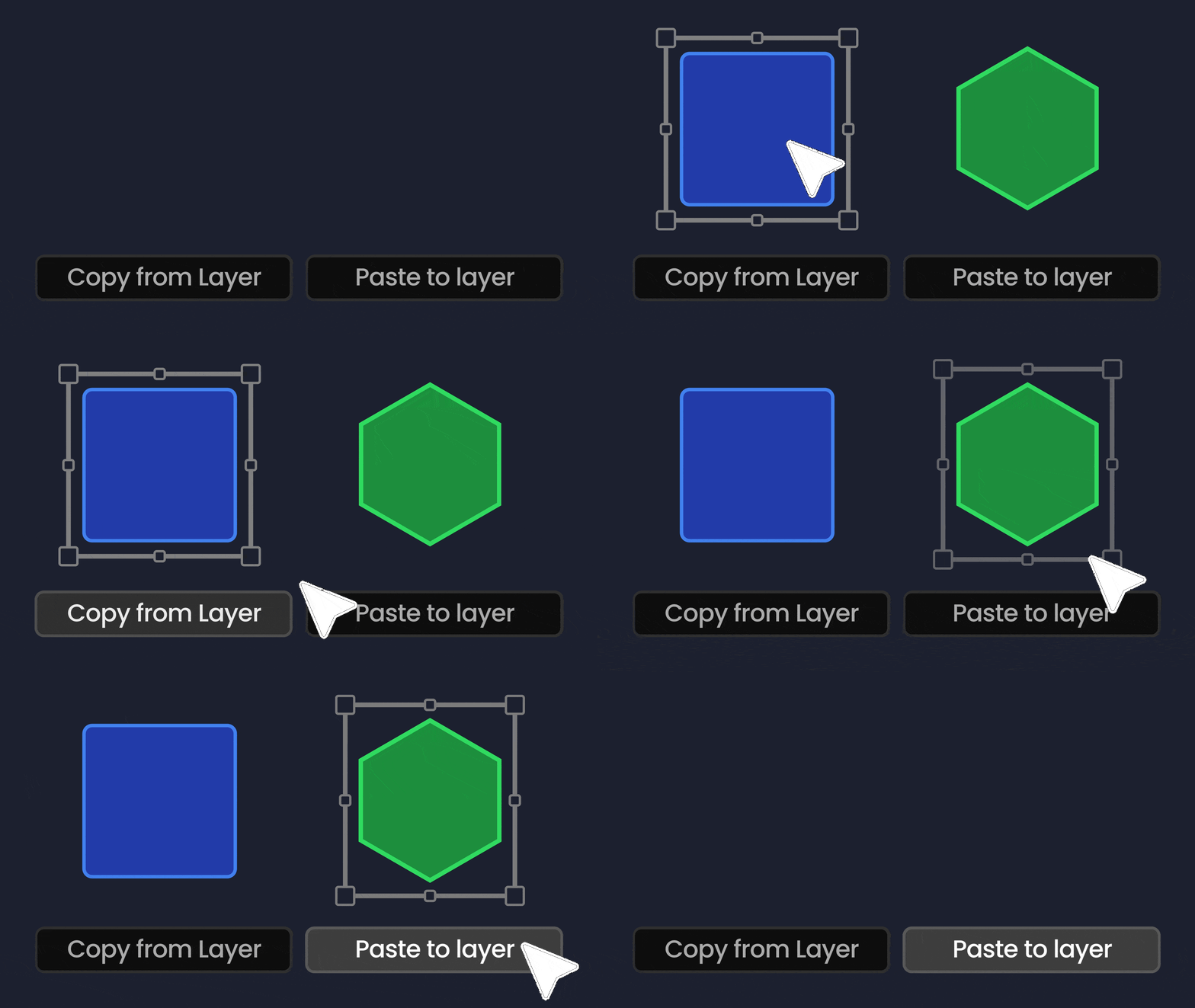
Copy & Paste Animation
Grab settings from any animated layer and paste to others. Copies timing, easing, direction, everything.
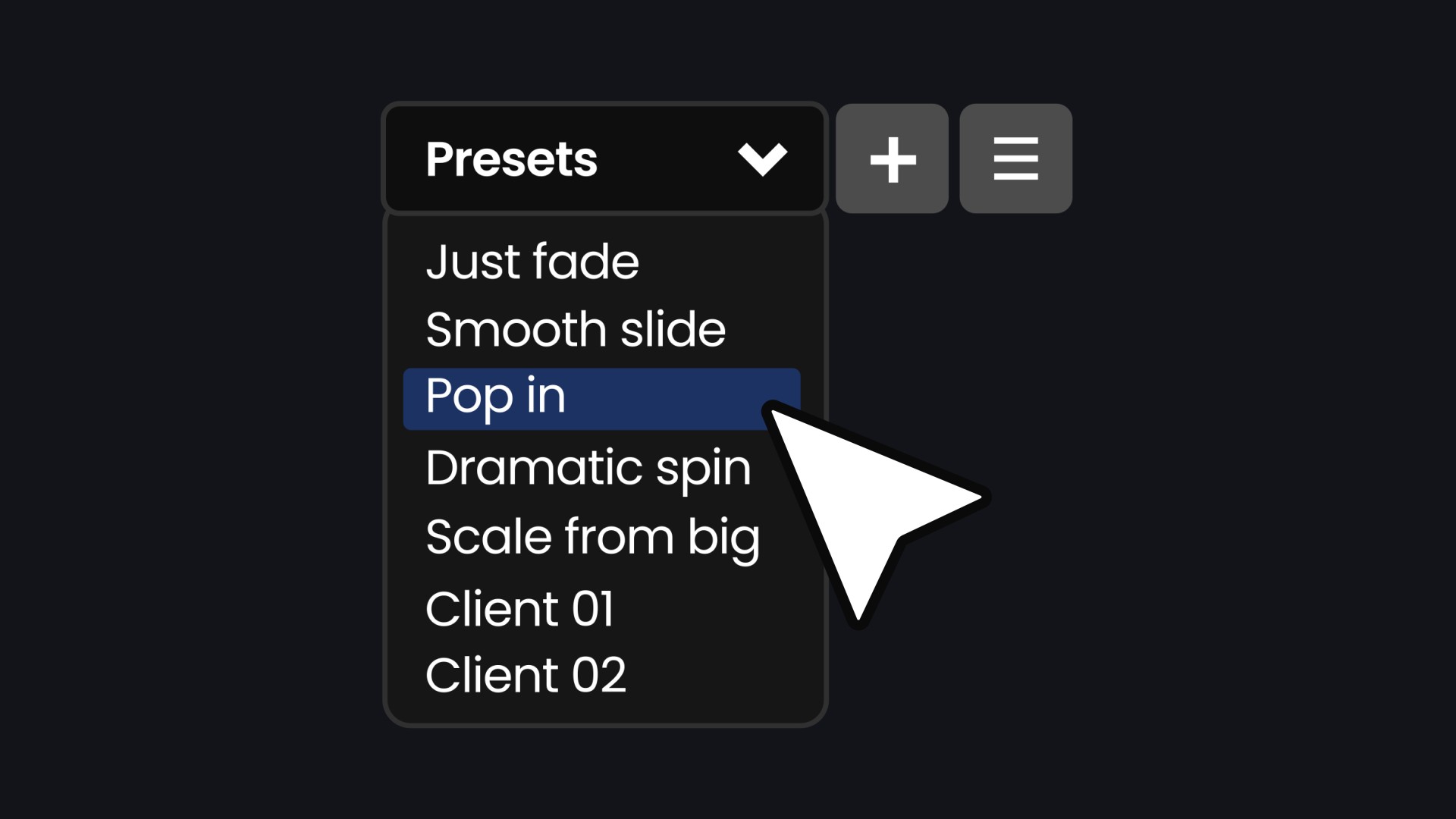
Preset System
Save presets for your favourite animation setups. Load them instantly from the dropdown.
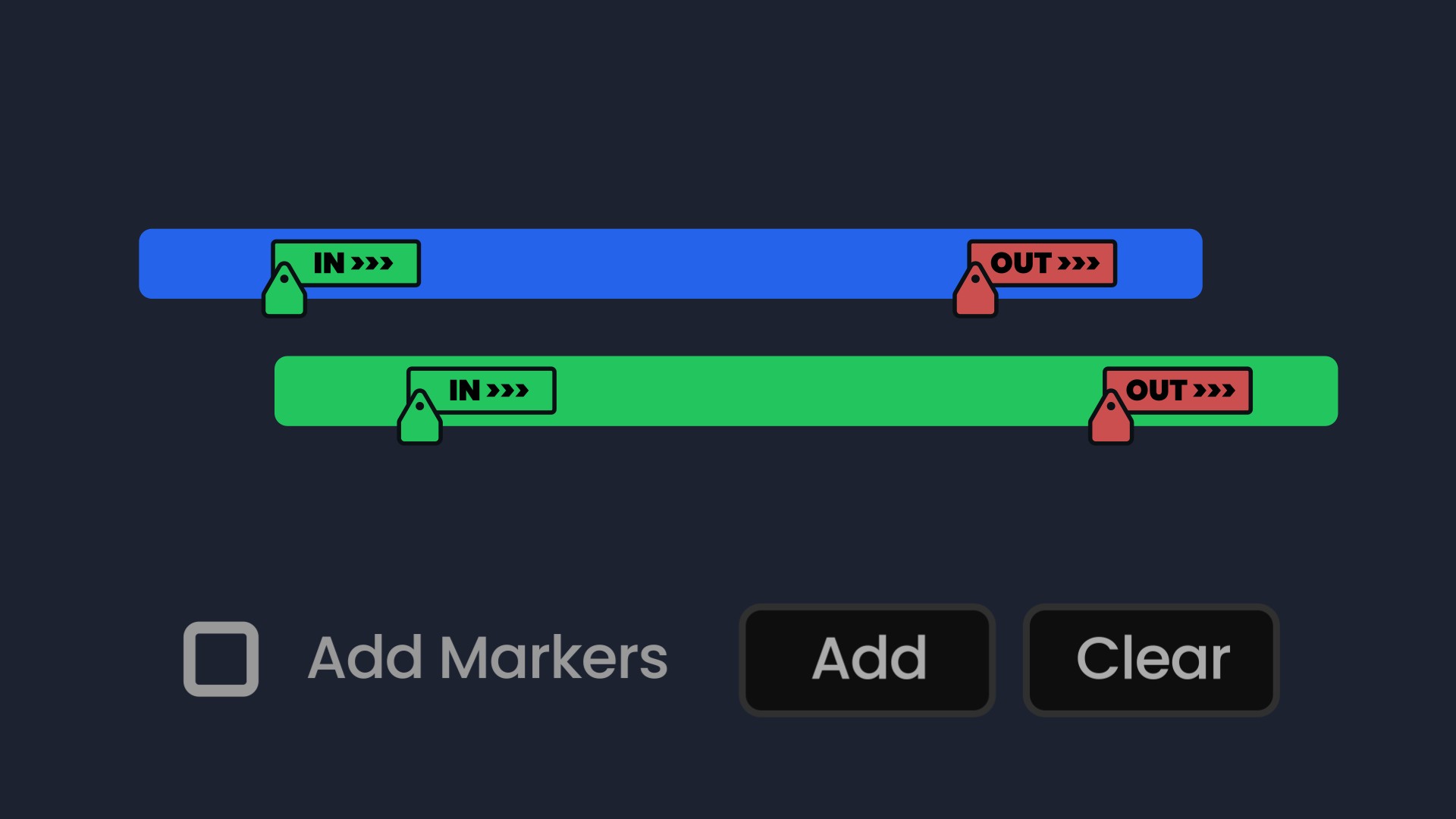
Smart Markers
Optional markers show exactly where IN and OUT transitions happen. Color-coded green and red.
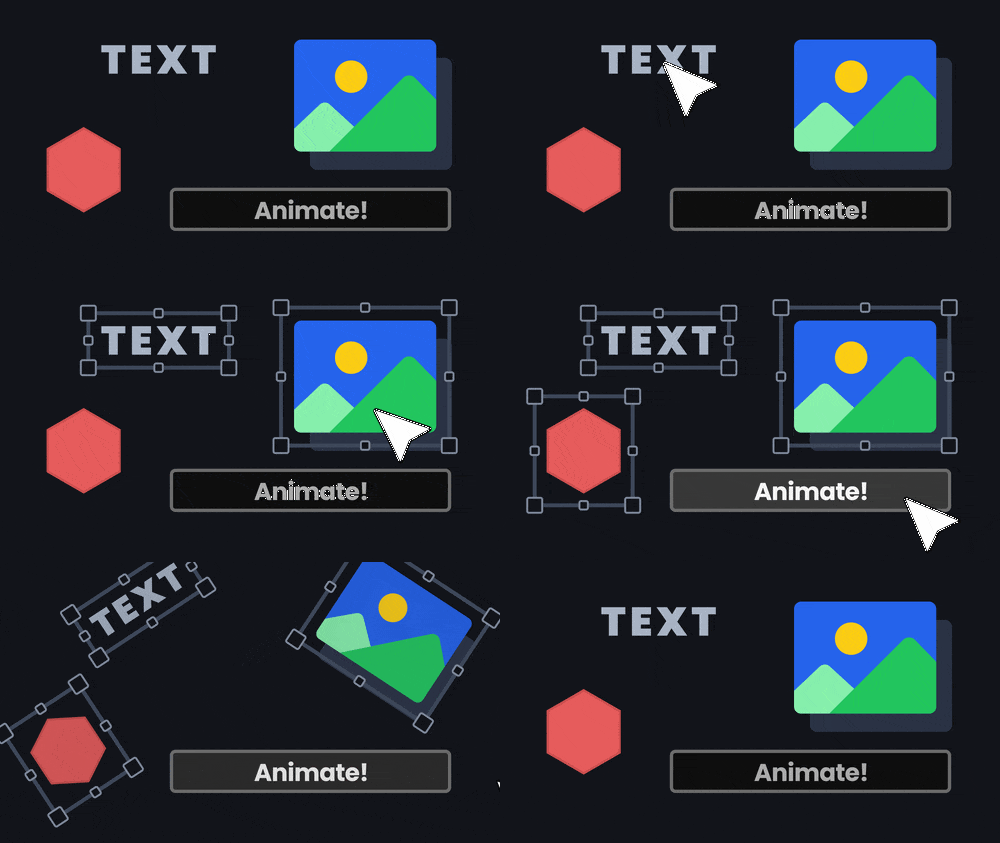
Works With Everything
Solids, shapes, text, images, video, precomps. 2D or 3D layers. Separated dimensions. It just works.

This is not about replacing the fun side of motion design. It just takes care of the repetitive bits, the IN and OUT transitions you probably do over and over on every project. I built Auto Animator so you can spend more time on the work that actually makes a project stand out.
Frequently asked questions
Yes it's a script panel that runs inside After Effects. Tested on both Mac and Windows.
Yes. In Expression Mode, everything stays live in the effect controls. You can also add keyframes to the properties with expressions. In Keyframe Mode, you get real keyframes that you can adjust manually.
Partially, to keep the tool as light as possible considering how ambitious it was! I opted for basic 3D support. It will still work for 3D layers in 2D directions, just not for Z at this time.
After Effects CC and later.
Payments are handled by Polar, our merchant of record, who process cards through Stripe. Your card details never touch our servers. One-time purchase, yours forever.
14-day money-back guarantee. If it doesn't speed up your workflow, full refund.

One purchase. Unlimited projects.
Stop wasting time on repetitive keyframes. Get back to the creative work.
Secure checkout · Instant delivery · 14-day money-back guarantee
Secure payments by