A few weeks ago I mentioned I'd been building the biggest thing ToolsForMotion has made, and that I wasn't quite ready to say what it was.
I'm so excited to announce Library Pro, after almost two years of development and testing. Today it opens to a first group of testers.
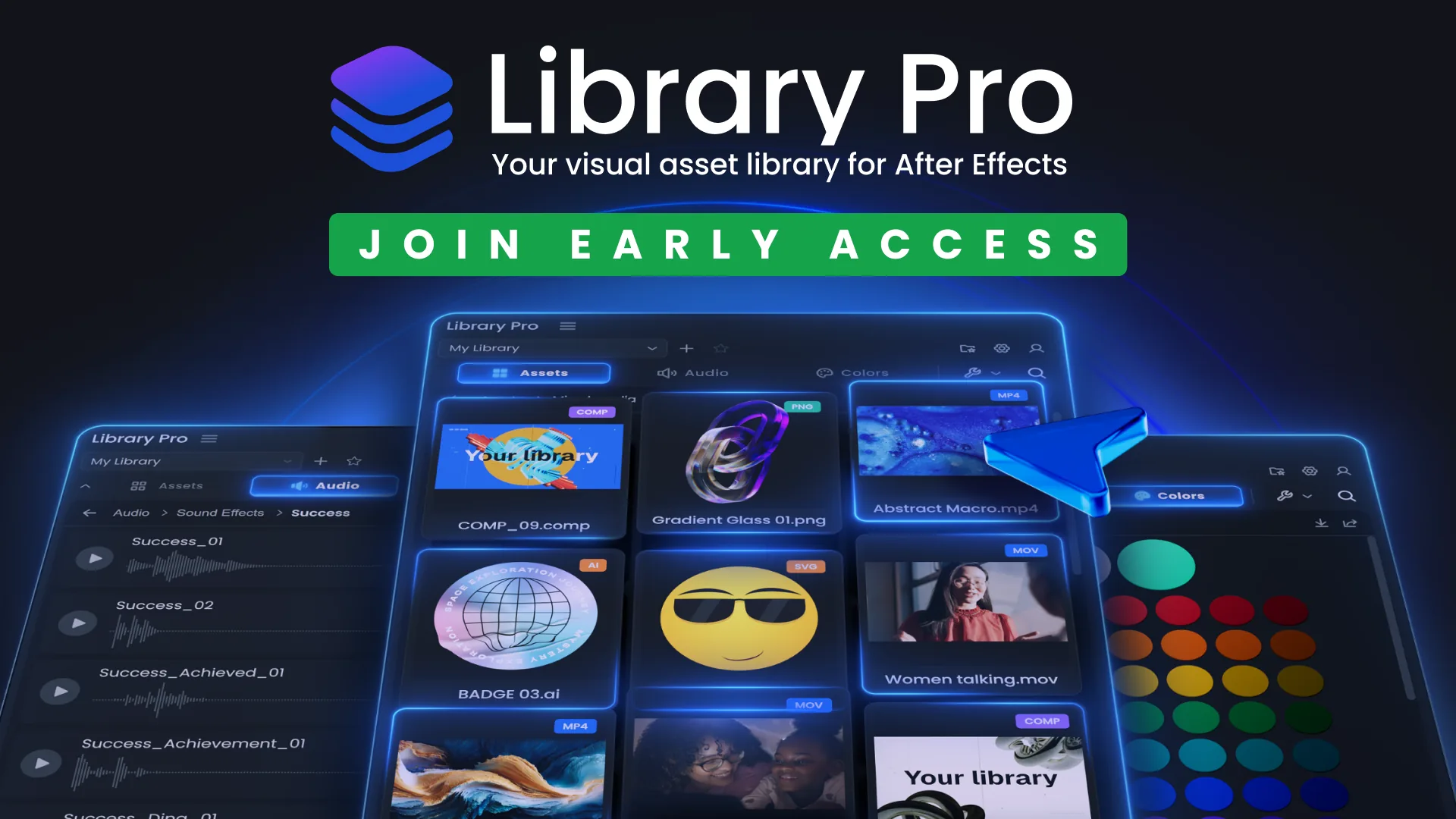
Library Pro is a visual asset browser for After Effects. Everything you own, one search away, in a panel, without ever leaving the app.
The idea came from two frustrations that will be familiar to most After Effects users.
The first is Adobe's own Libraries panel, which has never really catered for AE. You can't even apply a colour from your library to a shape layer. The one app where a shared asset library would shine the most, and it barely functions.
The second is worse. I'd regularly catch myself remaking things from scratch, a rig, a transition, a comp I knew I'd built weeks earlier, because finding the original meant digging through old projects and folders, and remaking it was genuinely faster. That's a ridiculous way to work, but without a way to actually see what you own, it's what everyone ends up doing.
Library Pro is my answer to both. Everything you've made and collected, visible, searchable and one click from your timeline.
Everything in one panel
There are shelves for assets, audio and colours, and search runs across every library at once. Audio and video play right there in the panel, so you can hear a sound effect or scrub through a clip before committing to an import, and you pick the poster frame for anything that needs one. Found what you want? One click and it's on your timeline.
Comps are first class citizens too. Save one to your library and it's collected with everything it needs, with a scrubbable preview, ready to drop into any future project. The thing you built three months ago is now faster to find than to remake.
Your files stay yours
This part mattered to me. Nothing gets copied into a hidden cache and nothing moves unless you ask it to. Your assets stay in normal folders on a drive you choose. Libraries can live in different places too, so a shared drive at work and a scratch disk at home can sit side by side in the same panel. Uninstall Library Pro tomorrow and every file is exactly where you left it.
It stays fast no matter how heavy your originals are, because the panel browses lightweight previews it builds quietly in the background instead of reaching for the source files every time.
Why early access
I've tested Library Pro to death on my own machines: Windows, Intel Mac, Apple Silicon. But that's three computers out of the thousands this could end up on, and my libraries are built the way I build libraries. The first time someone points it at a folder structure I'd never think to make, something will come up. I'd rather that happens now, with a small group who know it's early access, than the week after I start charging for it.
I've been here before. When I put Comp Exporter out for free a few months back, the feedback taught me more in a fortnight than my own testing had in months. People used it in ways I never expected and found things I'd never have found alone. A lot of what came back is baked into Library Pro. Comp Exporter is still free, by the way, and stays that way.
So that's the ask. Use it on actual work. If something's slow, wrong, or just confusing, tell me. You won't hurt my feelings, that's what this stage is for.
Early access is free. New builds land on your dashboard as they ship and you'll get an email each time. Runs on Windows and both Intel and Apple Silicon Macs.